 Typpo
×
Typpo
×
 Figma
Figma
What is a Template?
A template is the blueprint that turns your Figma designs into animated video. It defines how text appears, what backgrounds cycle, and which overlays persist, all composed from your Figma frames.
Once you've built a template, you can reuse it endlessly: just swap the script and Typpo renders a fresh video with the same design. New script, same look, instant video. Or use the plugin as a one-off to bring a single Figma design to life.

The Foundation
Text Layouts
Every template is made of one or more text layouts. A layout defines everything about your text: font, size, color, position, alignment, and how it animates. That animation is a big part of the look. When your transcript plays, each group of words is rendered with the next available layout and animates in word-by-word as the audio plays.
If your template has one layout, every scene uses it. If it has multiple layouts, they cycle based on the template's rules, each bringing its own style and animation.
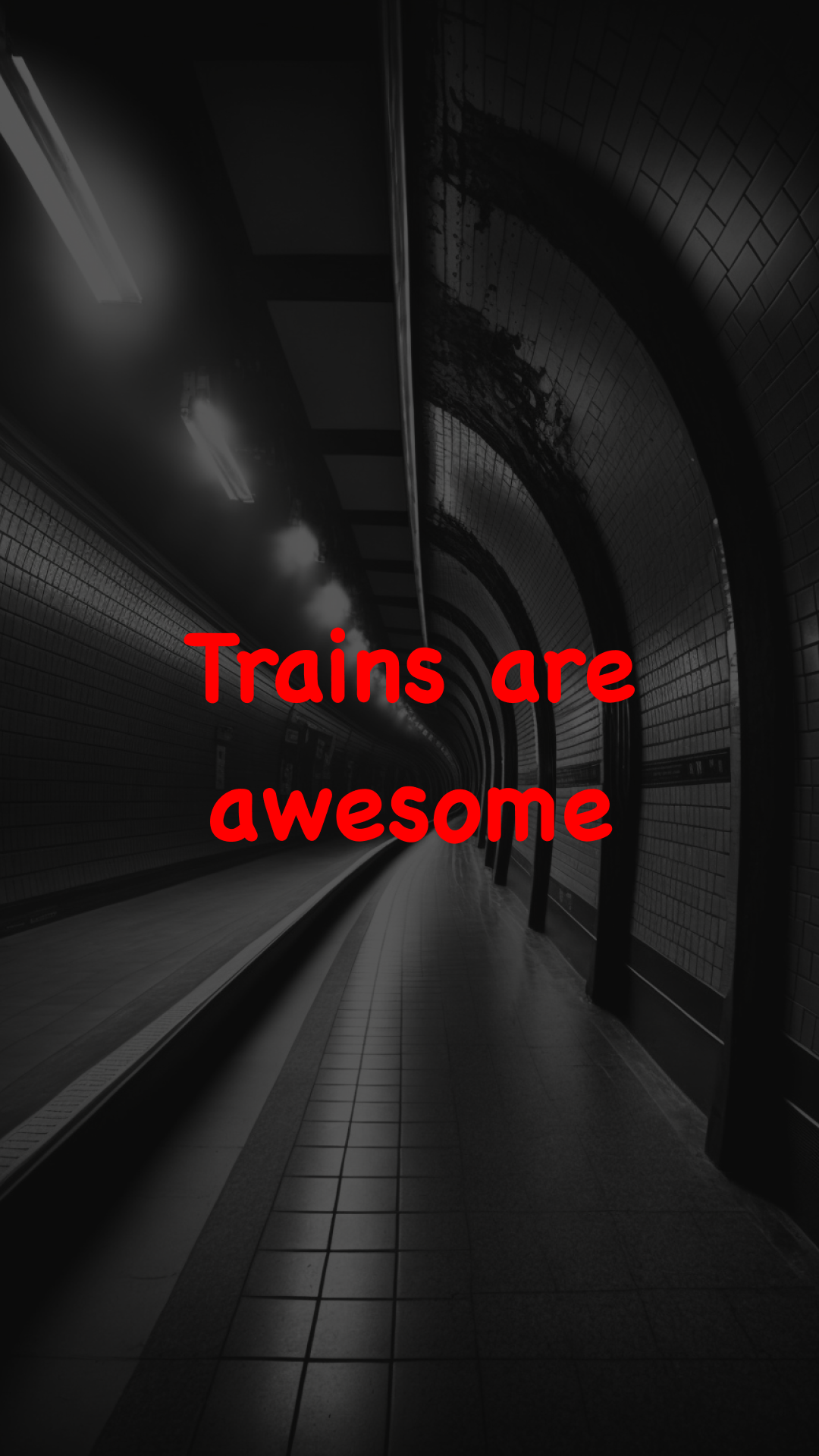
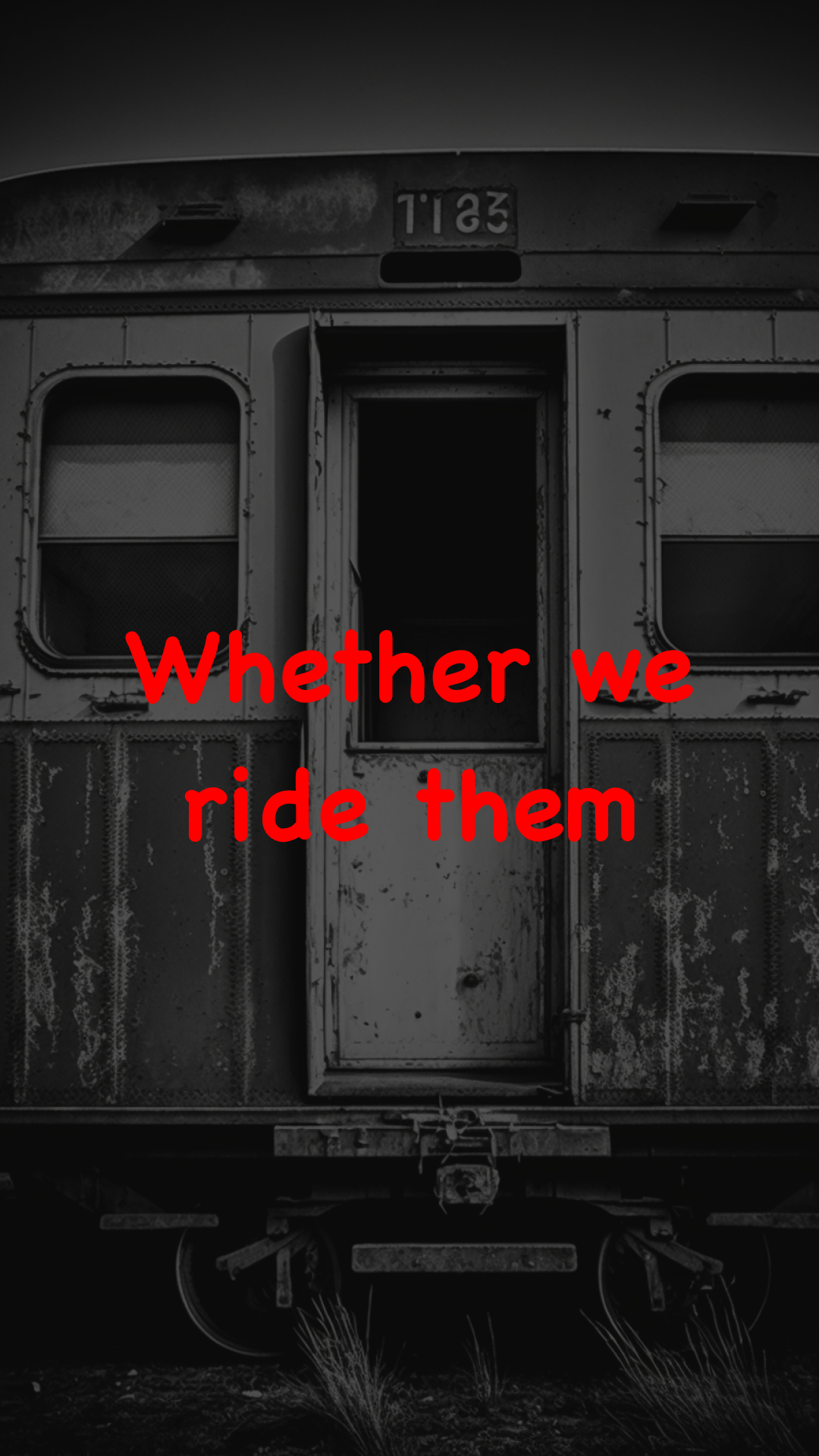
Same Layout
These two frames have identical text styling: same font, size, color, and position. Only the words and background differ.
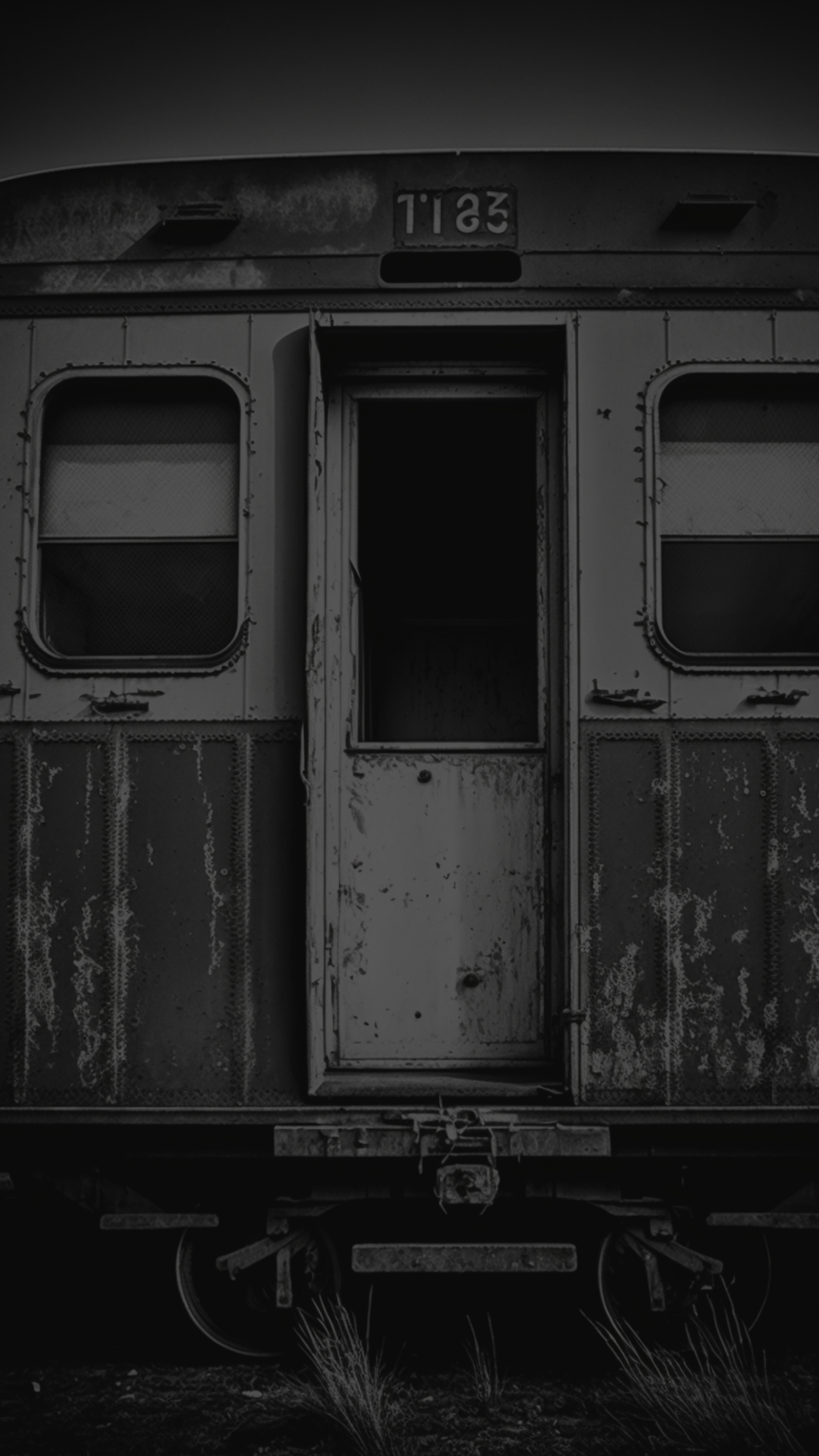
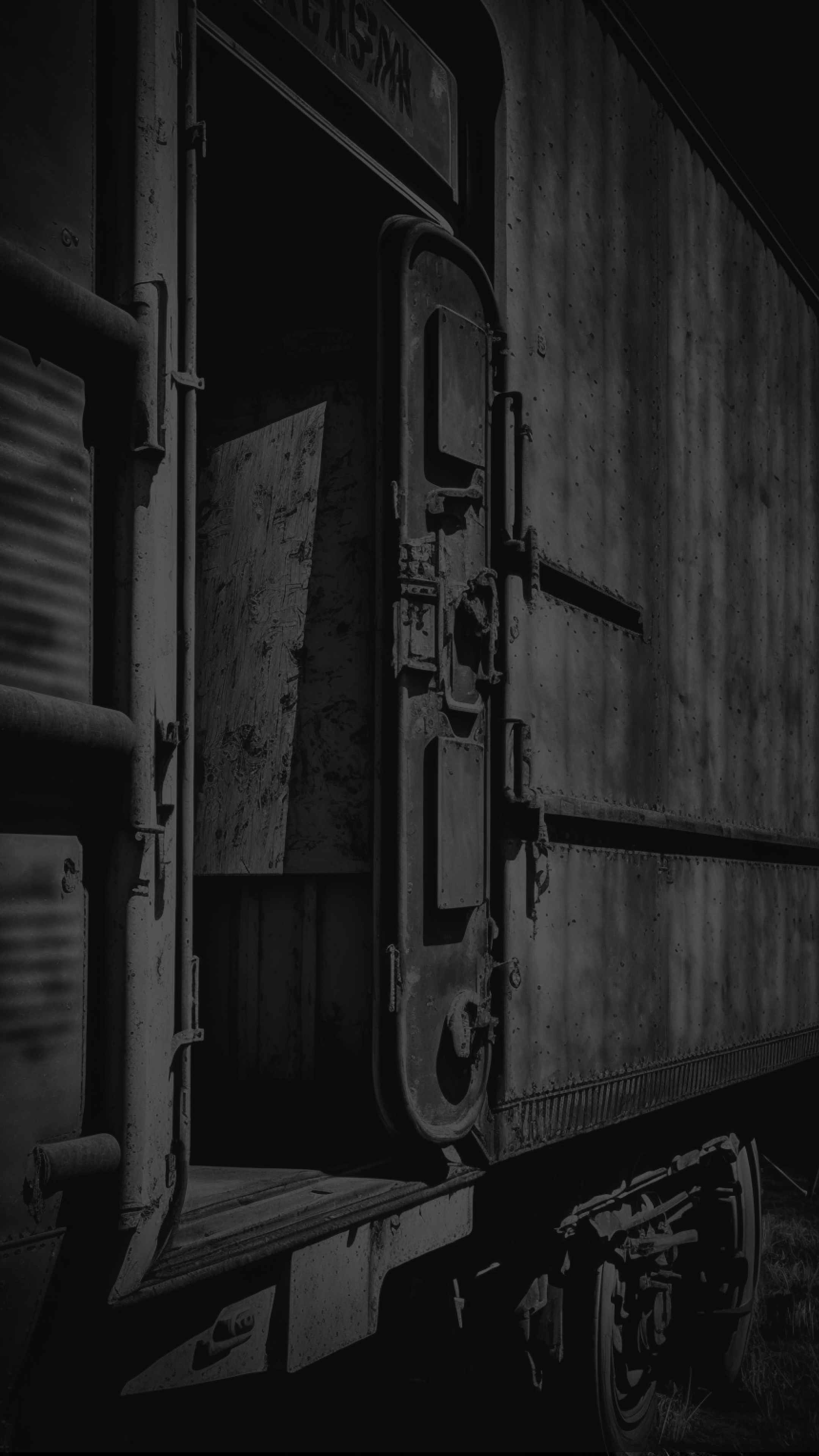
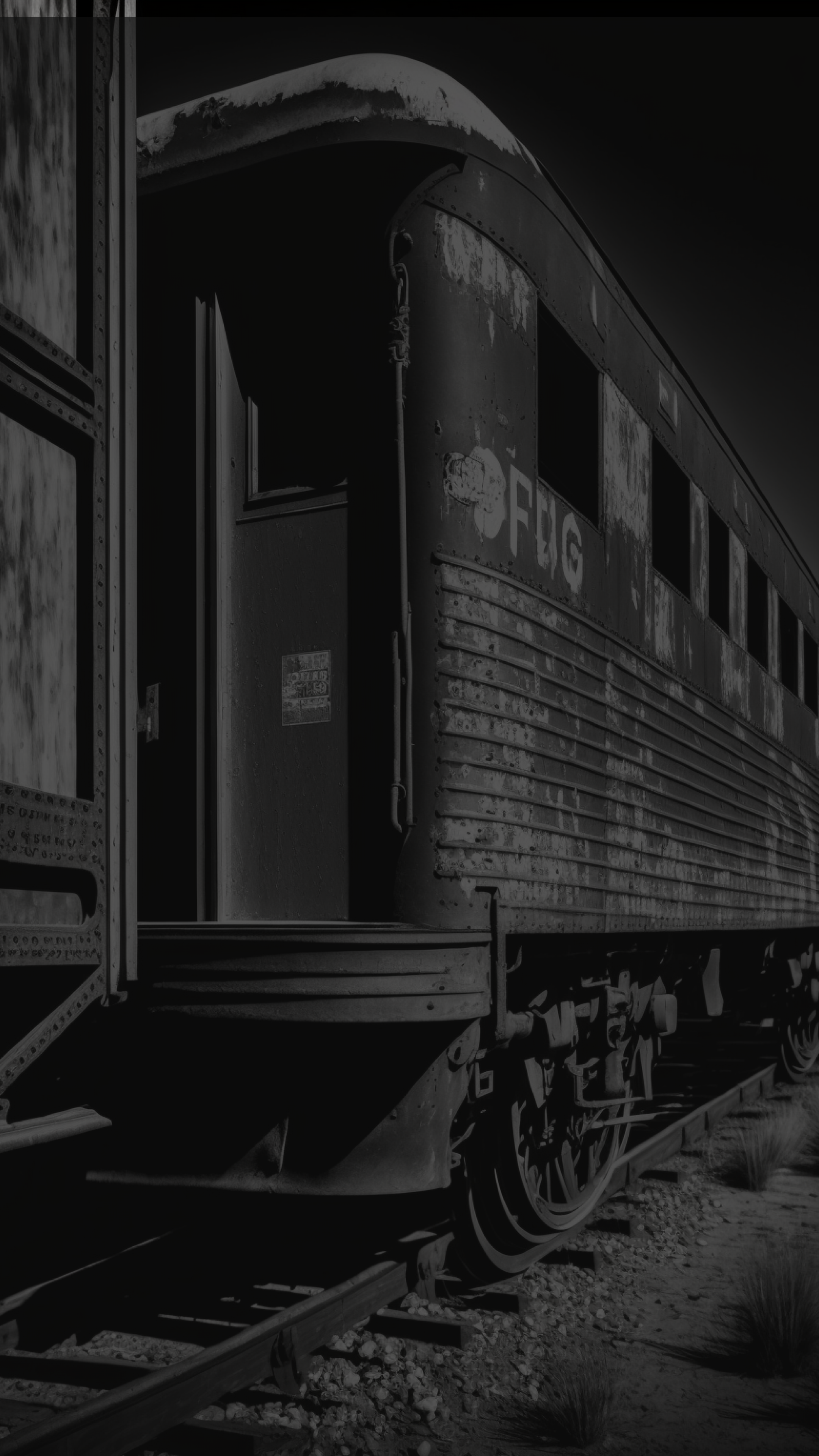
What makes them different? Same styling + different words = one layout. Change any style property = separate layout.
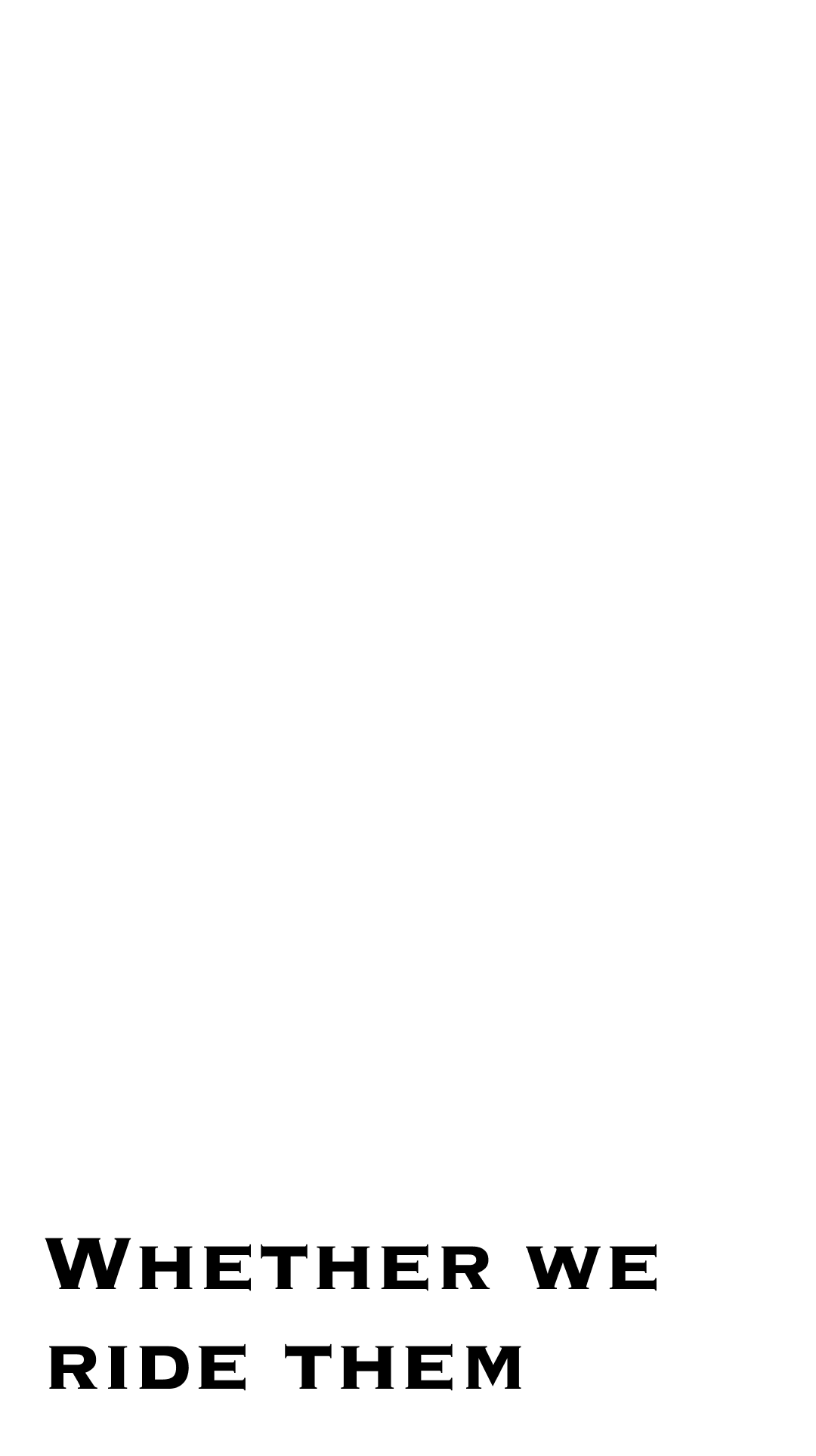
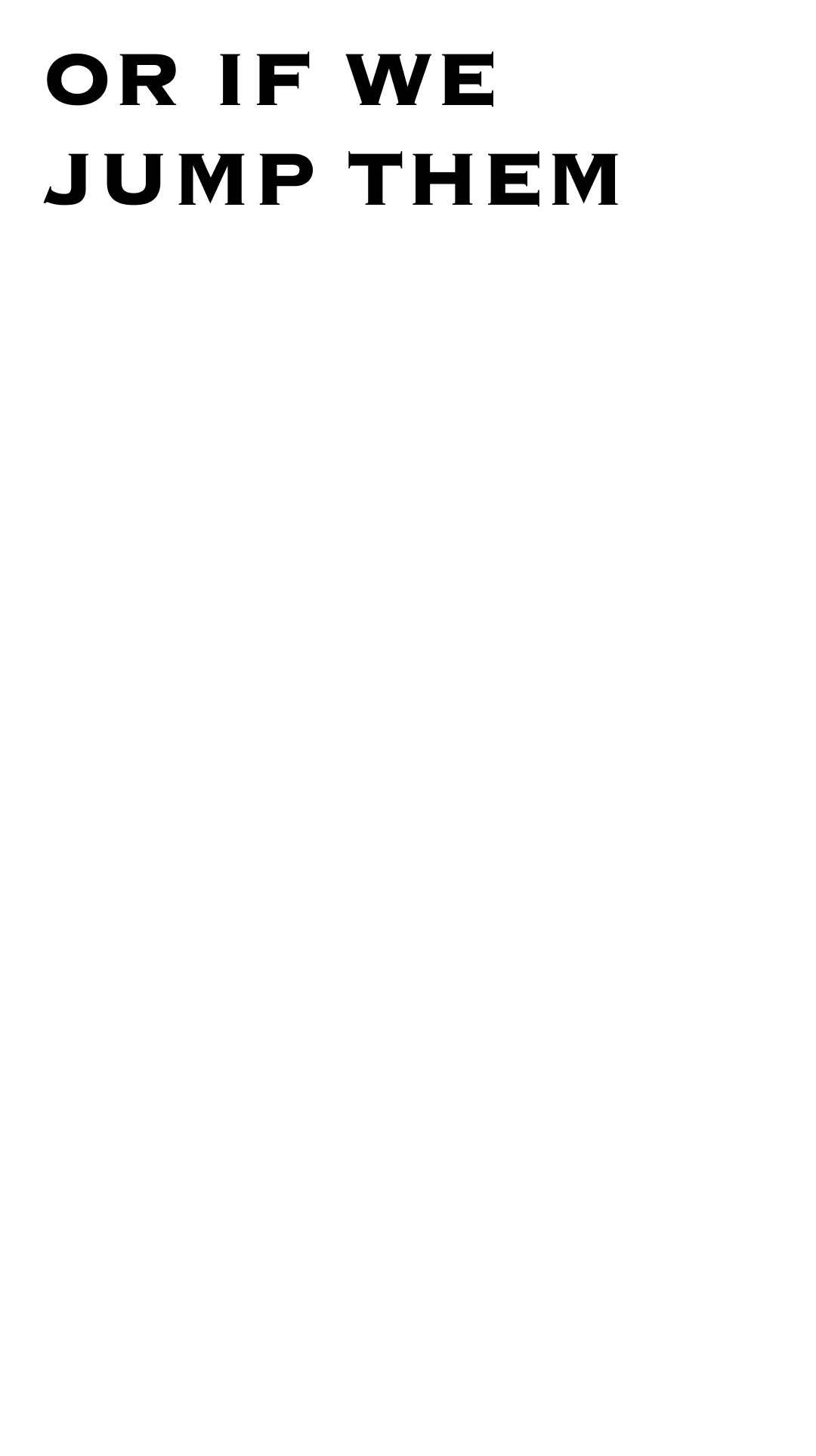
Different Layouts
Same font, but the position is different. Layout 1 places text bottom-left; Layout 2 places it top-left. Any style change makes it a separate layout.
The Canvas
Backgrounds
Backgrounds are the images, videos, or colors behind your text. They can live in two places, and where they live changes how they behave.
Backgrounds are tied to a layout. When the layout changes, its backgrounds go with it.
Backgrounds cycle independently. Layouts change, but backgrounds follow their own schedule.
The Layers
Overlays
Overlays are elements that sit on top of the background: logos, decorations, watermarks. Like backgrounds, they can be template-scoped or layout-scoped.
Overlays can have entrance and exit animations set in the plugin. They must live outside the bg group in your Figma layer structure.
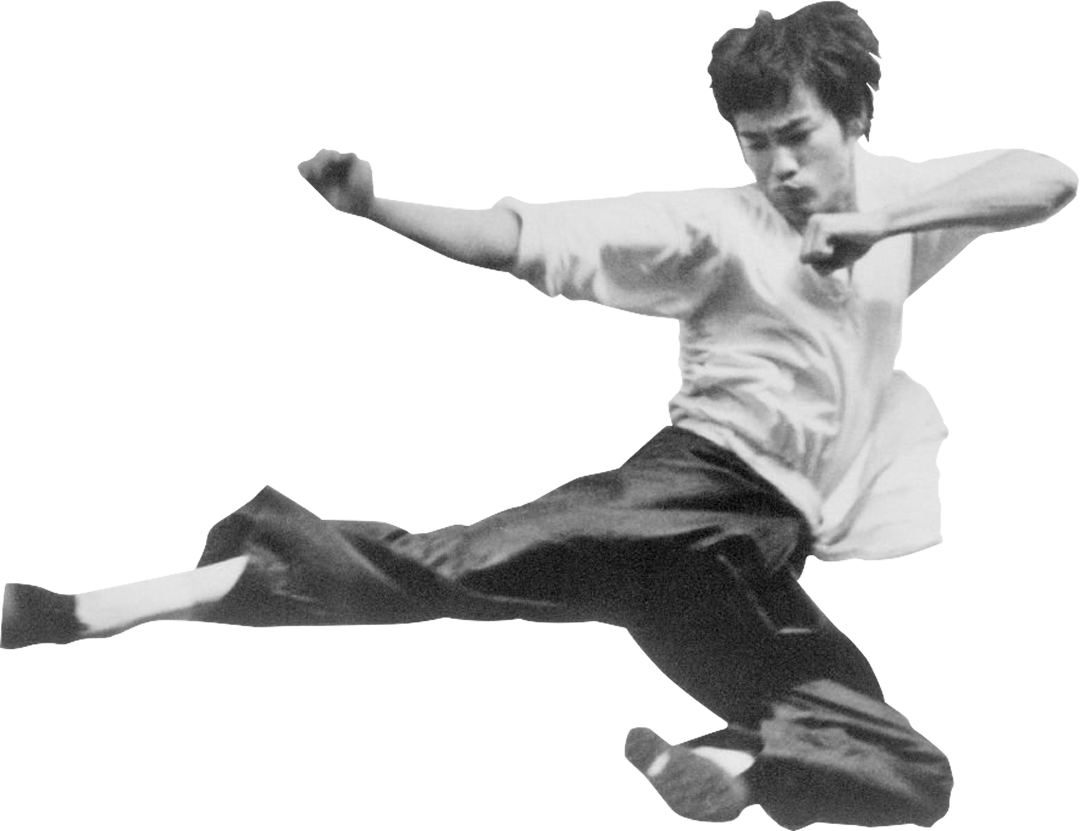
bg group in Figma. The plugin imports it as an overlay that floats on top of the background, with optional entrance and exit animations.Overlay is tied to a layout. It appears only while that layout is active, then disappears.
Overlay persists across all layouts. Layouts change, but the overlay stays visible.
The Star
Anchor Text
Every layout has one anchor text: the text layer that gets replaced by your transcript at runtime. It's the text Typpo animates word-by-word as your audio plays.
If your Figma frame has multiple text layers, the plugin asks which one is the anchor. The rest become static overlays, baked as images that ride on top of the background.
The big text in the center is the anchor. Typpo replaces it with your transcript, word by word, as the audio plays.
The tagline and watermark are not the anchor. They get baked as images and stay frozen, visible but never replaced.
The plugin asks you to pick the anchor. The rest automatically become static overlays.
The Big Picture
How It All Fits
Backgrounds, layouts, and overlays come together to make a template. When it plays, they all work in sync: backgrounds cycle, the anchor text animates word-by-word through your transcript, and overlays ride above.